Create Online Calculation Forms with Real Time Results
Build smart online calculation forms that automatically calculate totals, pricing, scores, or payments. Add formulas, automate calculations, and create powerful form calculators without coding.
Get Started for Free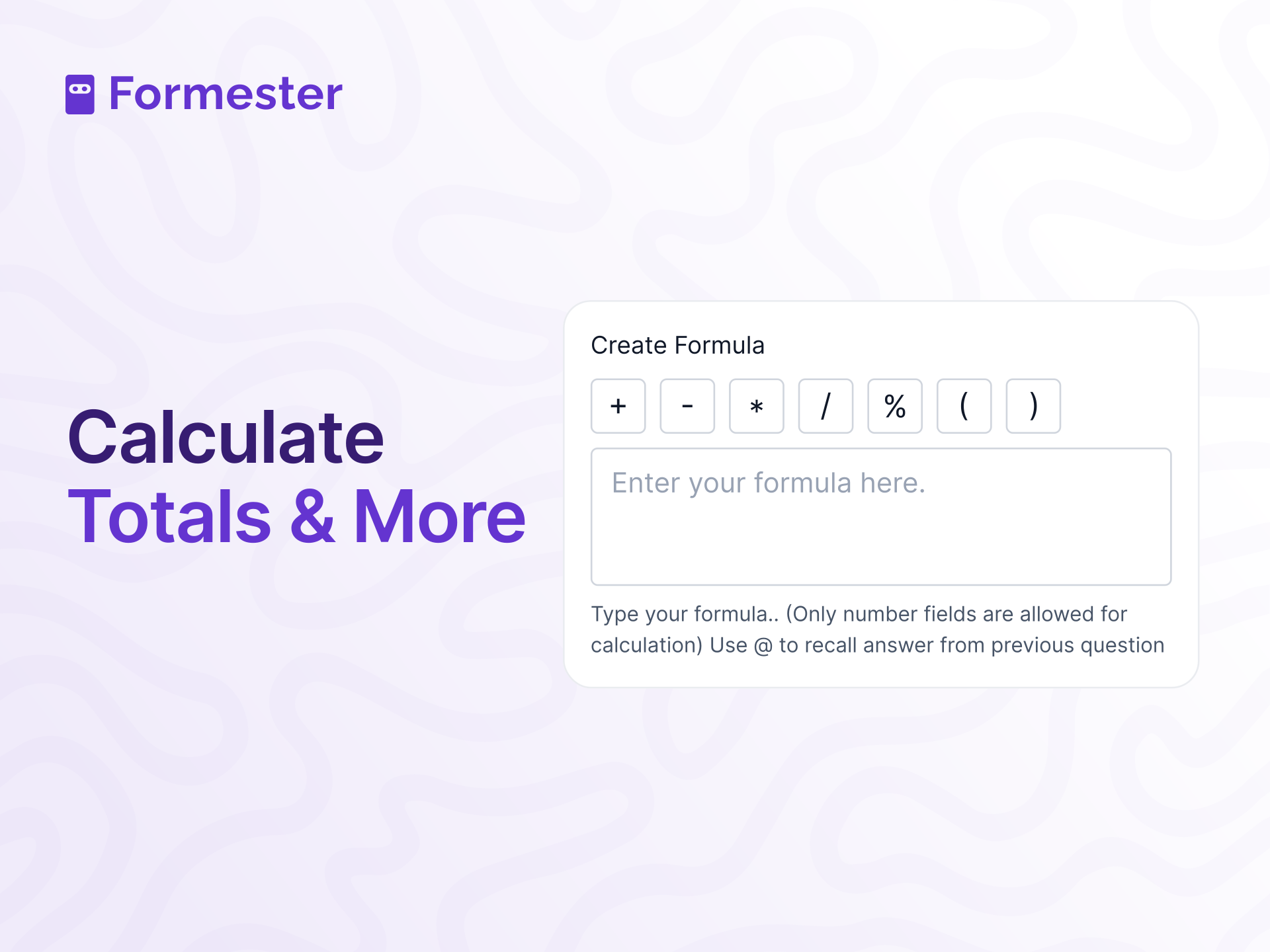










Trusted by 50,000+ Users Worldwide
Used by businesses, educators, and teams worldwide to build smart online forms and calculation forms without coding.






Why Use Calculation Fields in Online Forms
Calculation fields help you create online forms that automatically calculate totals, pricing, scores, and values in real time for faster and more accurate results.

Payments Made Simple
Automatically calculate totals, taxes, and final amounts using payment calculation forms. Perfect for order forms, booking forms, and online payment forms that require real time price updates.

Time Saving
Automate totals with a form calculator to speed up processes for users and admins.

Improved Data Accuracy
Let calculation fields handle math to reduce errors and ensure consistent data.

Better User Experience
Make forms more interactive by showing real-time results for a better user experience.

Dynamic Pricing
Adapt pricing, quotes, or estimates based on user input with calculation fields.

Handle Complex Calculations Easily
Manage taxes, discounts, and multi-step pricing quickly and error-free with calculation fields.
How to Use Calculation Fields?
Step 1: Add Calculation Field
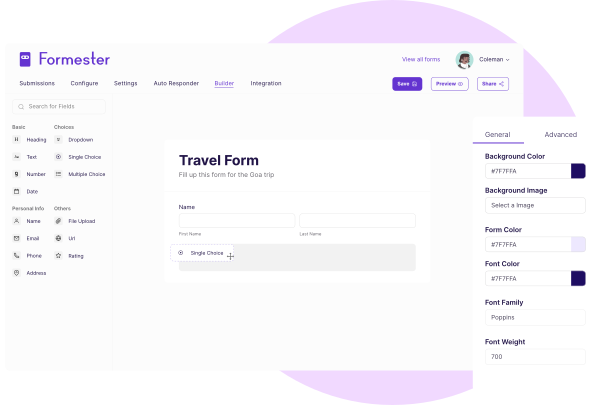
Navigate to the Form Builder, then click on “Add Elements”, then select the “Calculation” field.
This field will perform calculations based on the previous form inputs from the user.

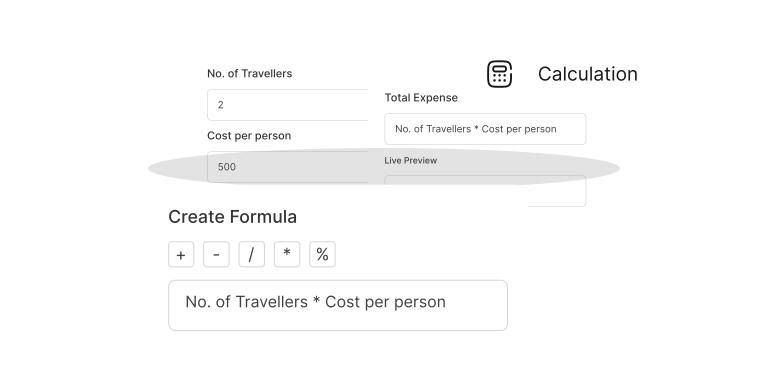
Step 2: Create Your Formula
Use the @ sign to reference previous fields in your form. For example, if you're creating a payment form with calculation, you can multiply @price by @quantity to get the total cost.
Step 3: Customize the Label
Adjust the label of the calculation field to match the purpose of your form.
For example, you can change the label to "Total Cost" for a payment form, or "Estimated Monthly Payment" for a loan calculator form.
Step 4: Save and Publish
Once you're happy with the setup, save your form and publish it.
The calculation fields will automatically perform math on submissions, giving users accurate results instantly.

Calculation Forms for your Business
Order Forms
In Order Forms, you can use calculation field to automatically tally the cost of multiple products or services.
By adding product price and quantity fields, you can calculate the total and show users their final cost before checkout.

Donation Forms
Use calculation fields to suggest donation amounts based on a user’s input.
For example, if someone picks a specific cause or event, the form can change the suggested amount.

Service Estimation Forms
If you're offering services like home cleaning, moving, or consulting, calculation fields can instantly provide a price estimate based on the user’s selections (e.g., hours of service or distance).

Event Registration Forms
In Event registration forms, you can easily calculate event registration fees based on user selections.
For example, if your event offers different packages (standard, premium, VIP), the calculation fields will adjust the total fee accordingly.

Shipping Cost Estimator
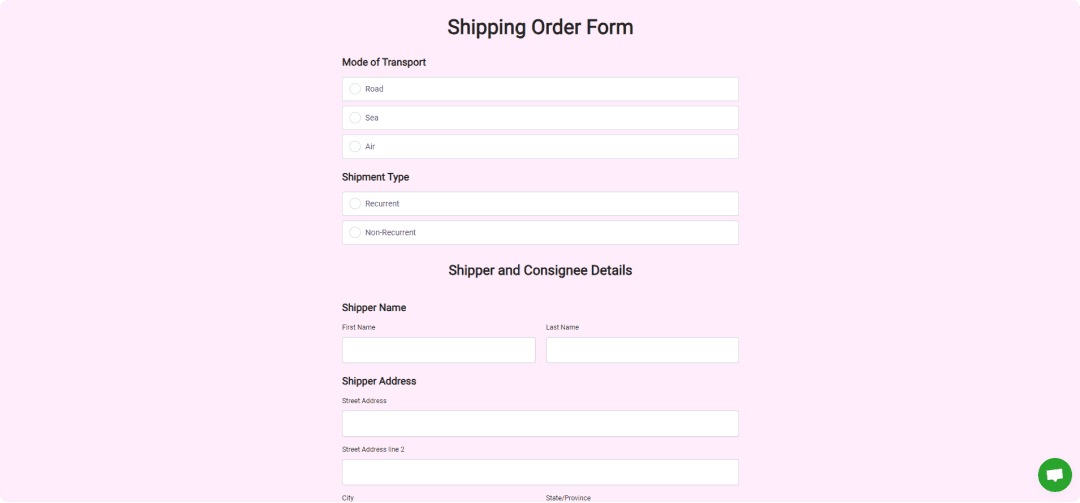
Retailers can use calculation fields in shipping forms to calculate costs based on the destination, weight, and delivery speed.
This helps users get an exact shipping directly on the form.
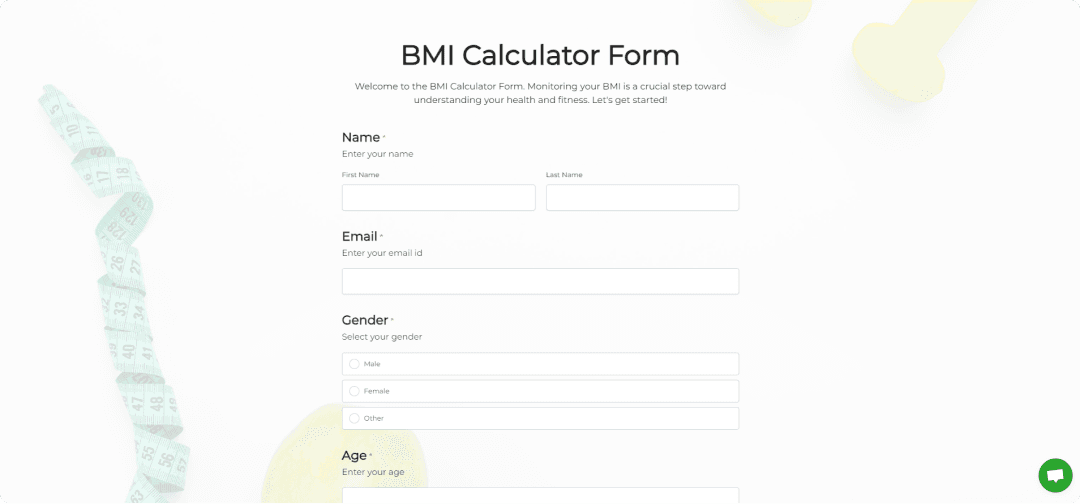
BMI Calculators
Health and fitness businesses can create forms where users enter their height and weight, and the form automatically calculates their Body Mass Index (BMI).
Pre-Designed Templates
Get Started Quickly with Ready-Made Form Templates


Testimonials



FAQs
Calculation fields are form fields that automatically perform math based on user input. They help create online calculation forms that calculate totals, pricing, scores, or estimates in real time without manual work.
Calculation fields use formulas to pull values from other fields and calculate results instantly. For example, you can multiply price and quantity to show a total cost, calculate scores for quizzes, or generate instant pricing in order forms.
To create an online calculation form, add number fields to your form and insert a calculation field. Then create a formula using field references like price × quantity or score totals. Once published, the form will calculate results automatically for every submission.
Yes. You can build pricing calculator forms, quote forms, or payment calculation forms that automatically calculate totals, taxes, discounts, and final pricing. This helps users see real time totals before submitting the form.
Yes. Calculation fields update instantly as users enter values in the form. This allows users to see totals, estimates, or scores in real time, improving user experience and reducing errors.
Yes. Calculation fields are beginner friendly and require no coding. You simply add the field, create a formula using other form fields, and publish the form. The system automatically handles all calculations.
Calculation forms can be used for price quotes, cost estimations, quiz scoring, order totals, booking calculations, and financial forms. They help automate calculations and improve accuracy across different use cases.
Yes. After creating your form calculator, you can embed it on your website using an embed code. This allows visitors to use interactive calculation forms directly on your website or landing pages.


Ready to build your perfect form?
Get access to advanced AI, unlimited forms & more. See pricing for more details.